Tips for setting up and maintaining homelab and home server
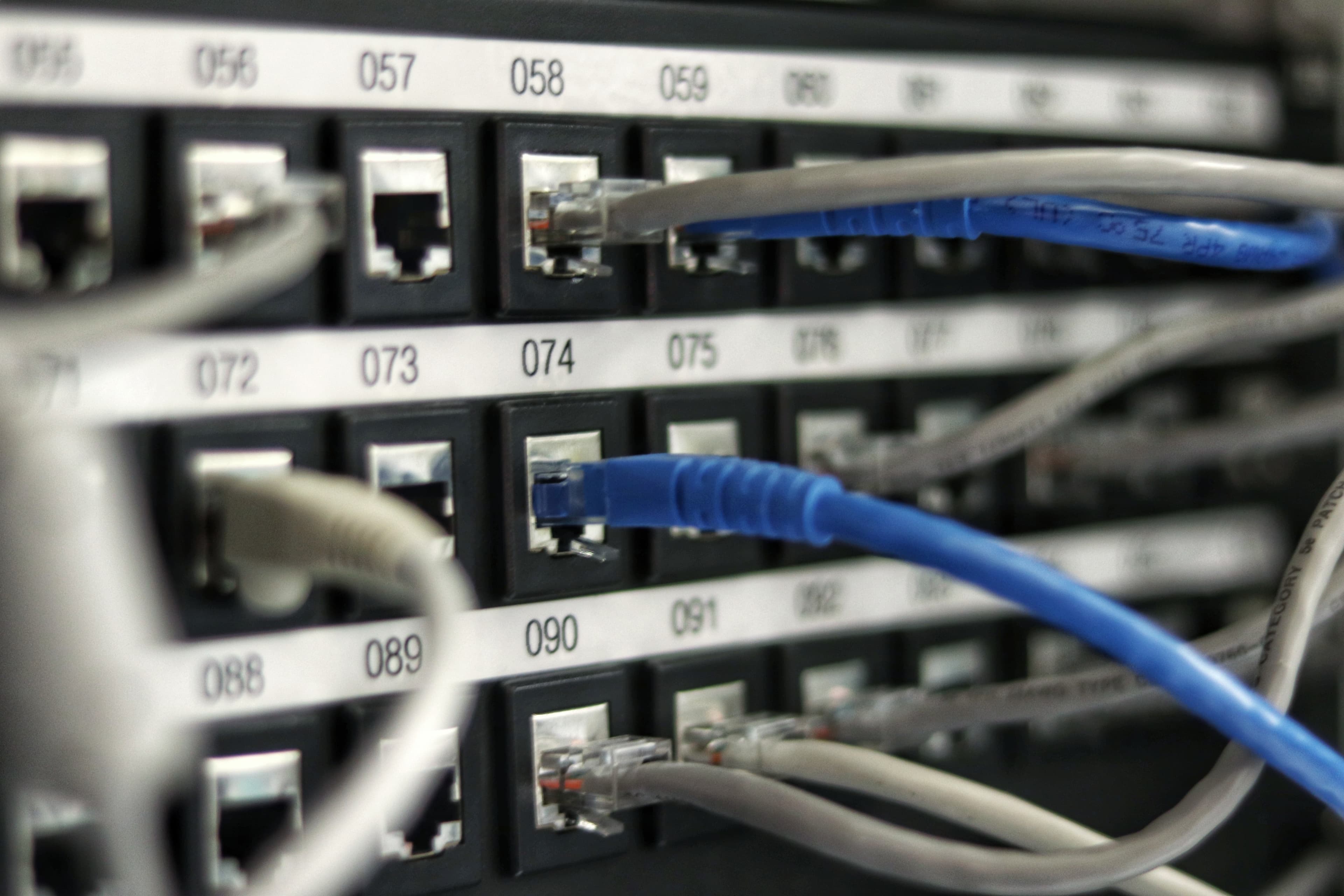
Setting up and maintaining a homelab and home server can be a rewarding project that provides you with valuable hands-on experience with technology and serves various purposes, from learning to hosting services. Here are some tips to help you get started and effectively manage your homelab and home server:
1. Define Your Goals:
Determine the purpose of your homelab and home server. Are you setting it up for learning, hosting websites, running applications, or something else? Defining your goals will guide your hardware and software choices.
2. Hardware Selection:
Choose hardware that suits your needs and budget. You can repurpose old hardware, build custom systems, or purchase pre-built servers. Consider factors like processing power, memory, storage, and energy efficiency.
3. Virtualization:
Using virtualization software (e.g., VMware, VirtualBox, Proxmox) allows you to run multiple virtual machines (VMs) on a single physical server. This enables you to experiment with different operating systems and configurations without impacting the host system.
4. Network Setup:
Ensure a reliable and secure network connection. Use a wired connection if possible for better stability. Set up a dedicated subnet or VLAN for your homelab to isolate it from your main network for security purposes.
5. Operating Systems:
Experiment with various operating systems and distributions. You can run Windows Server, various flavors of Linux, or even BSD systems. Choose what aligns with your goals and offers the necessary features.
6. Backup and Disaster Recovery:
Regularly back up your data and configurations. Consider implementing automated backup solutions to prevent data loss. Test your backup and restore processes to ensure they work when needed.
7. Security Measures:
Security is crucial. Keep your systems and software up to date with the latest patches. Implement firewalls, intrusion detection systems (IDS), and security practices like strong passwords and multi-factor authentication (MFA).
8. Monitoring and Logging:
Use monitoring tools (e.g., Nagios, Zabbix) to keep an eye on your server's performance, resource usage, and network traffic. Set up logging to track system activities and troubleshoot issues effectively.
9. Energy Efficiency:
Optimize your server for energy efficiency by configuring power management settings and using hardware with high energy efficiency ratings. This can save you money in the long run.
10. Documentation:
Maintain clear and organized documentation. Document hardware configurations, software installations, network settings, and any custom scripts or procedures. This documentation will be invaluable when troubleshooting or scaling your setup.
11. Start Small and Expand Gradually:
Don't feel the need to set up everything at once. Start with a few VMs or services and expand as you become more comfortable with managing your homelab.
12. Continuous Learning:
Stay curious and continuously learn. Technology evolves rapidly, and maintaining a homelab is a great way to keep up with the latest trends and technologies.
13. Community Involvement:
Join online forums, communities, and social media groups related to homelab and server management. These platforms are excellent resources for getting advice, troubleshooting problems, and sharing your experiences.